


Everything in Tadween
A calm scheduler for every channel you post to, in English and Arabic, for one person or a whole agency.
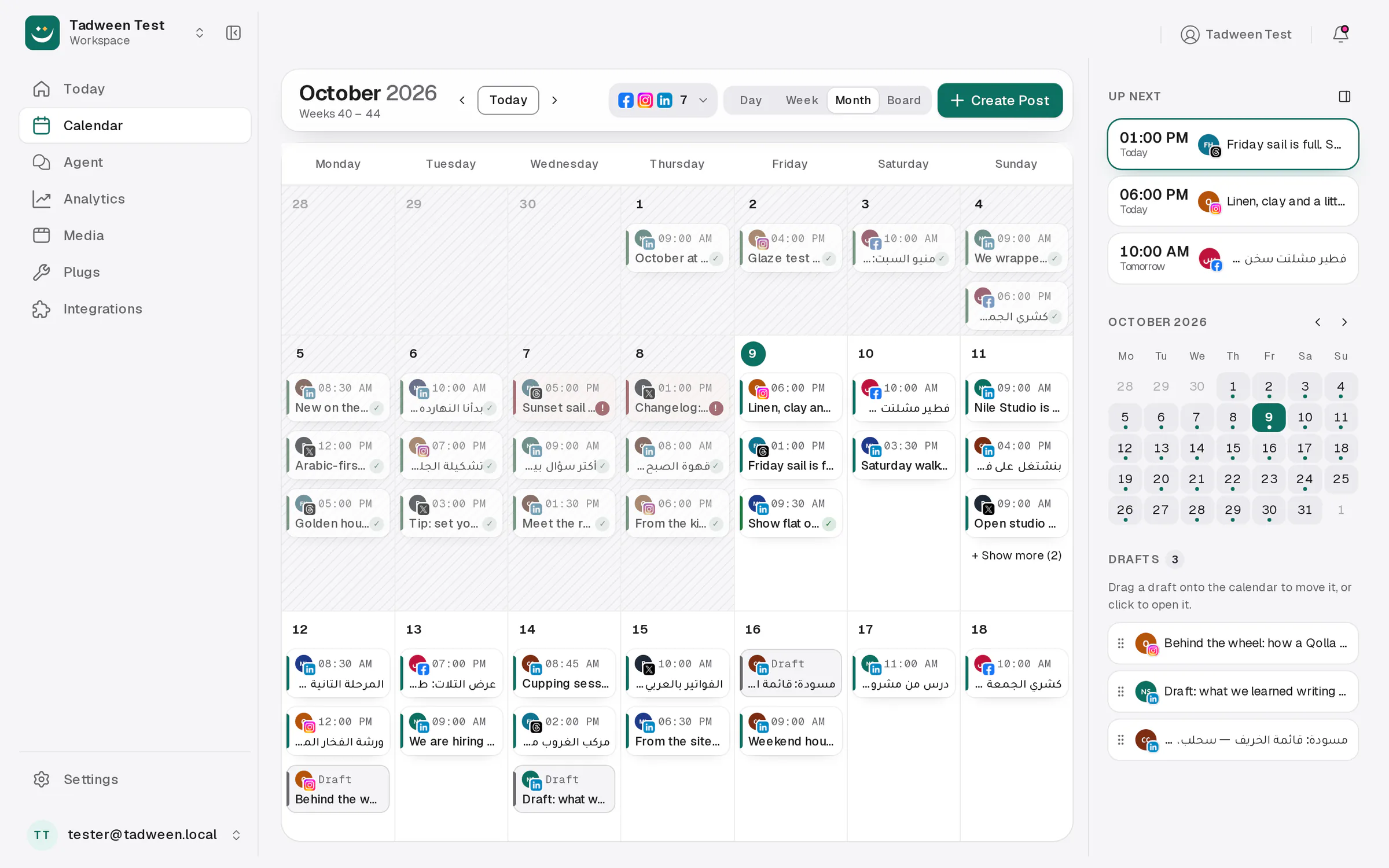
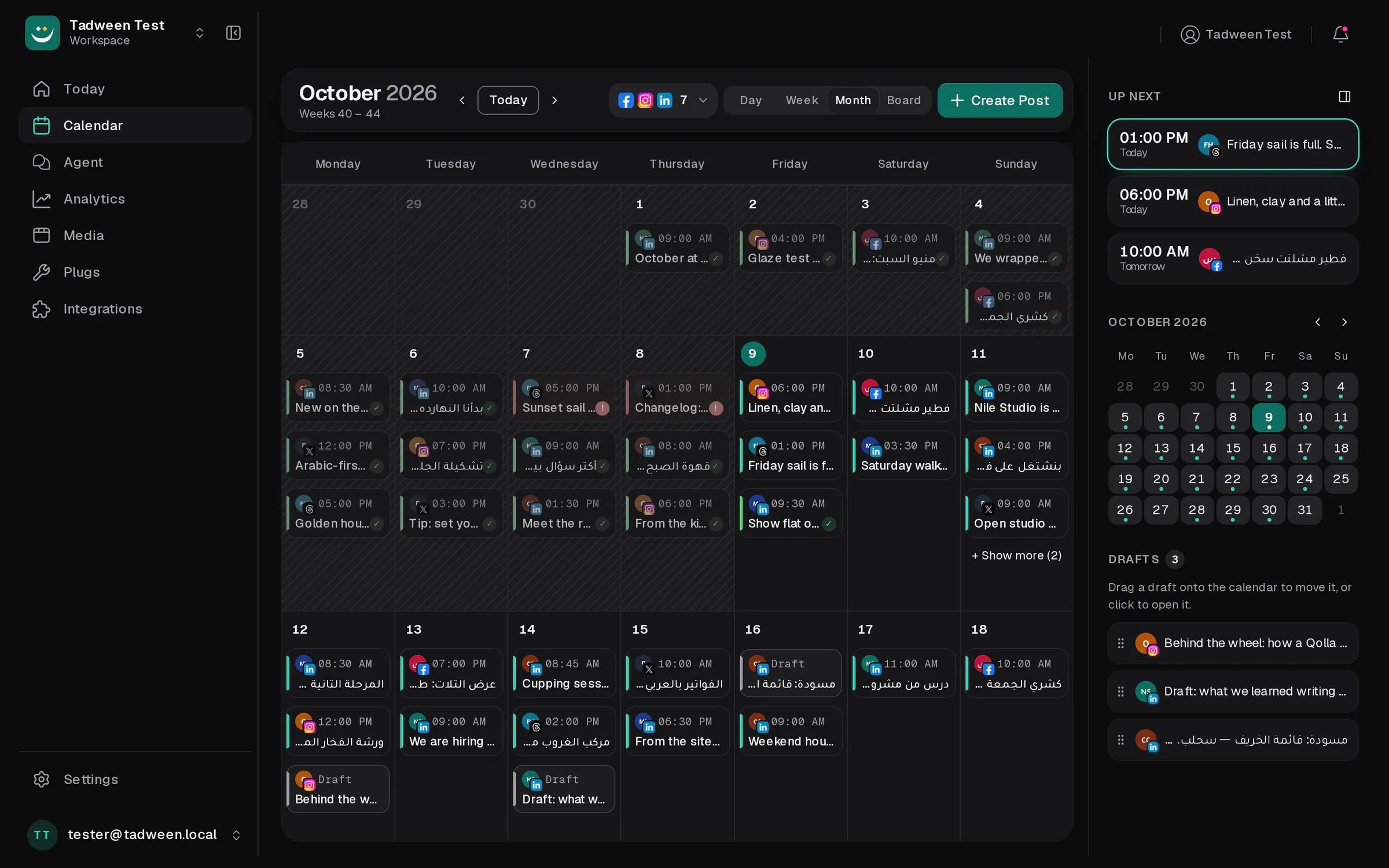
The whole week, on one calm calendar
Day, week and month views with every channel side by side. Drag a post to move it, rest on it to read it, and let Tadween find the next free slot.
- Read a post without opening it
- Zoom out to the month, in to the day
- Start the day on Today
- Plan from your phone
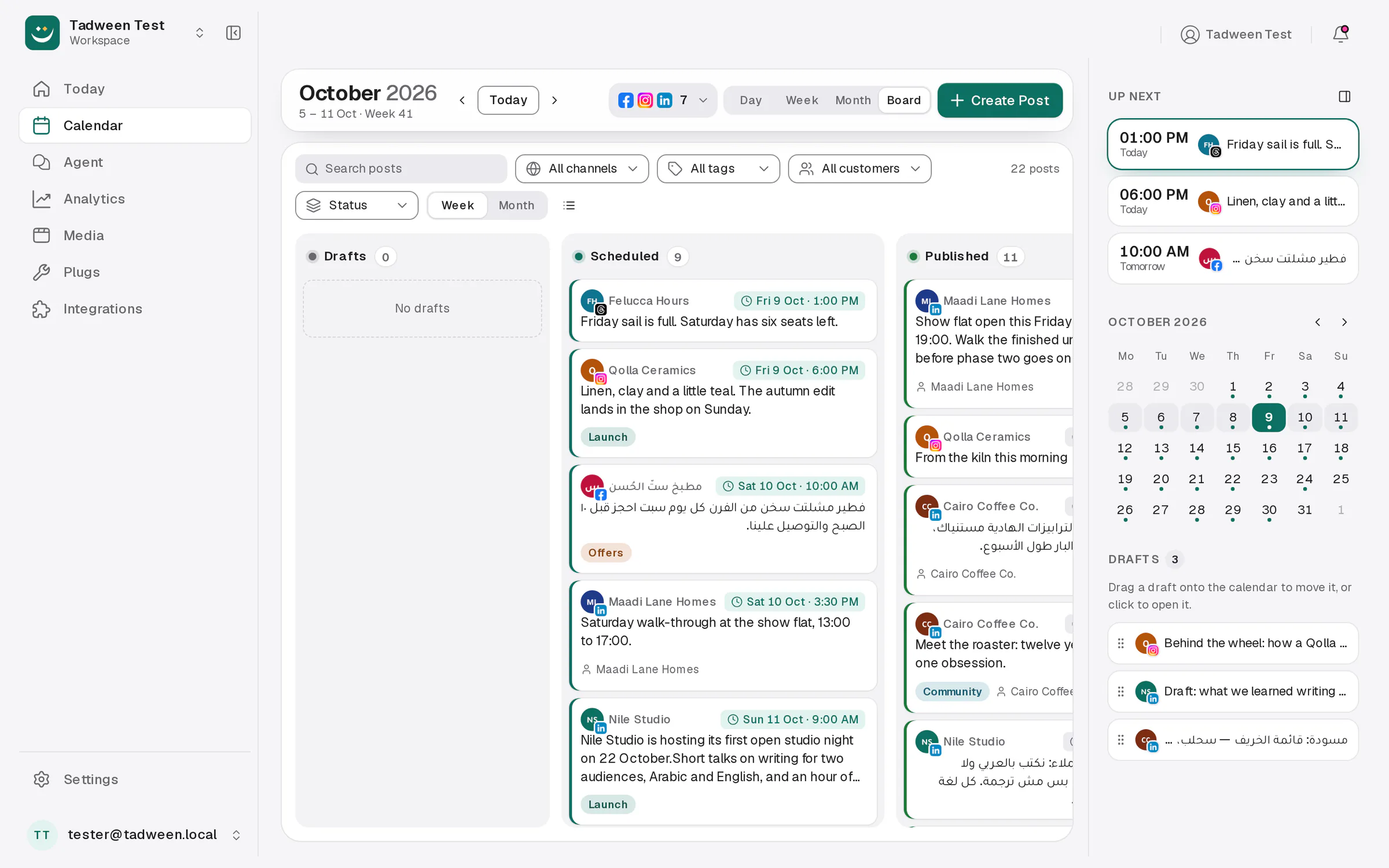
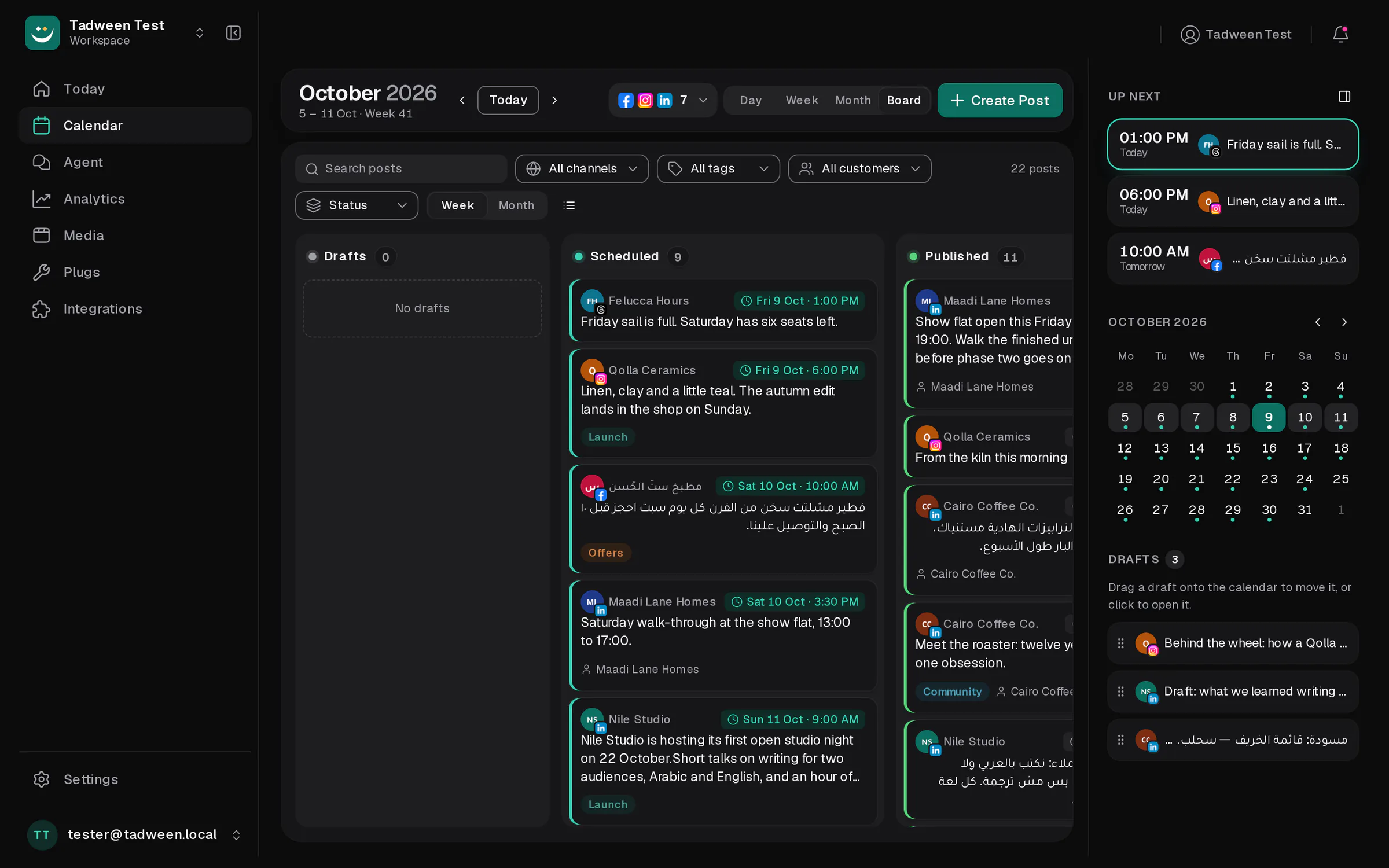
Every post, by status, on one board
Drafts, scheduled, published and failed, side by side. Group by channel or by day when that is the question you are asking.
- Group the board three ways
- Find any post quickly
- Fix a failed post in one move
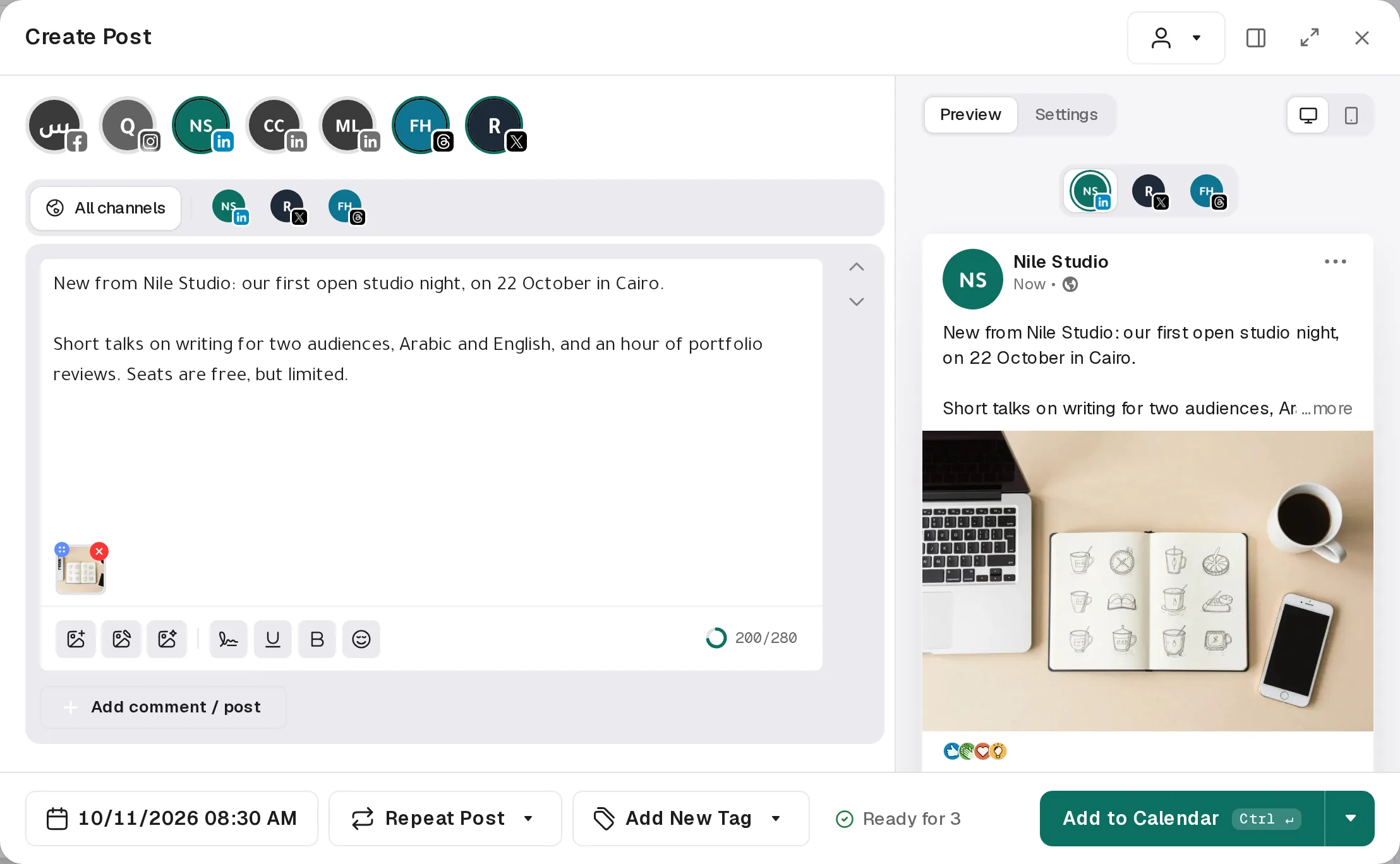
Write once. See it the way each network will.
One editor for every channel, a version per network when you need it, and previews that match the feed. In English or Arabic, on desktop or phone.
- One post, a version per network
- Arabic, right to left
- Comments that follow the post
- A link anyone can comment on
Numbers you can read in a minute
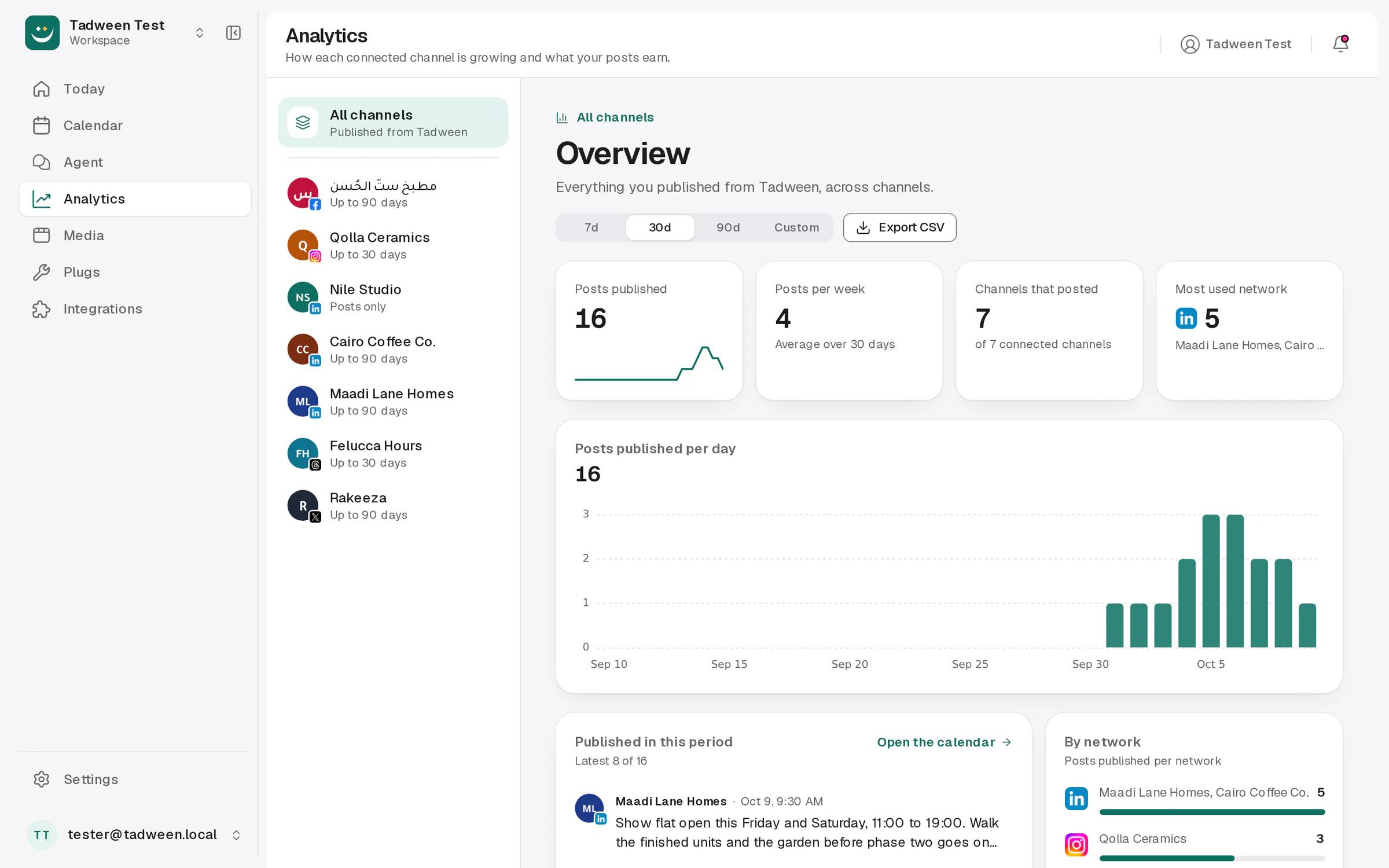
The figures each network shares, next to what you actually published from Tadween. Pick a period, compare it with the last one, export it.
- What you published, over a year
- The network’s own numbers
A media library you can actually find things in
Folders inside folders, uploads that keep going while you work, and details for every file: alt text, size and the posts that use it.
- Folders, the way you think
- Every file’s details
- Uploads that don’t make you wait
Work together, and know when something needs you
Invite teammates, keep every client in their own group, collect comments on a link and get a clear notification when a post goes out or something goes wrong.
- Notifications that say what to do
- One workspace, many clients
- Feedback on a link
- Roles that stay simple
Let your blog post for you
Point Tadween at an RSS feed and every new item becomes a post on your next free slot. Plugs repost or reply when a post takes off, and webhooks tell your own tools.
- RSS to posts, every hour
- Plugs: act when a post takes off
- Webhooks for your own tools
Stop retyping the same things
A signature adds your sign-off to every new post. A set picks the channels you always use together and starts the text for you.
- A signature on every new post, in either language
- Sets: your usual channels, picked in one click
Ask, and it’s on the calendar.
Tadween’s agent writes and schedules for you in English or Arabic, inside the app or from the AI tools you already use.
Meet the agentQuestions
Plan next week in ten minutes.
Seven days free. Bring your profiles and pages.