


Schedule LinkedIn posts for your profile
LinkedIn is one of the five networks Tadween is built around. Write in English or Arabic, see the post the way the feed will show it, and publish at the hour you choose.
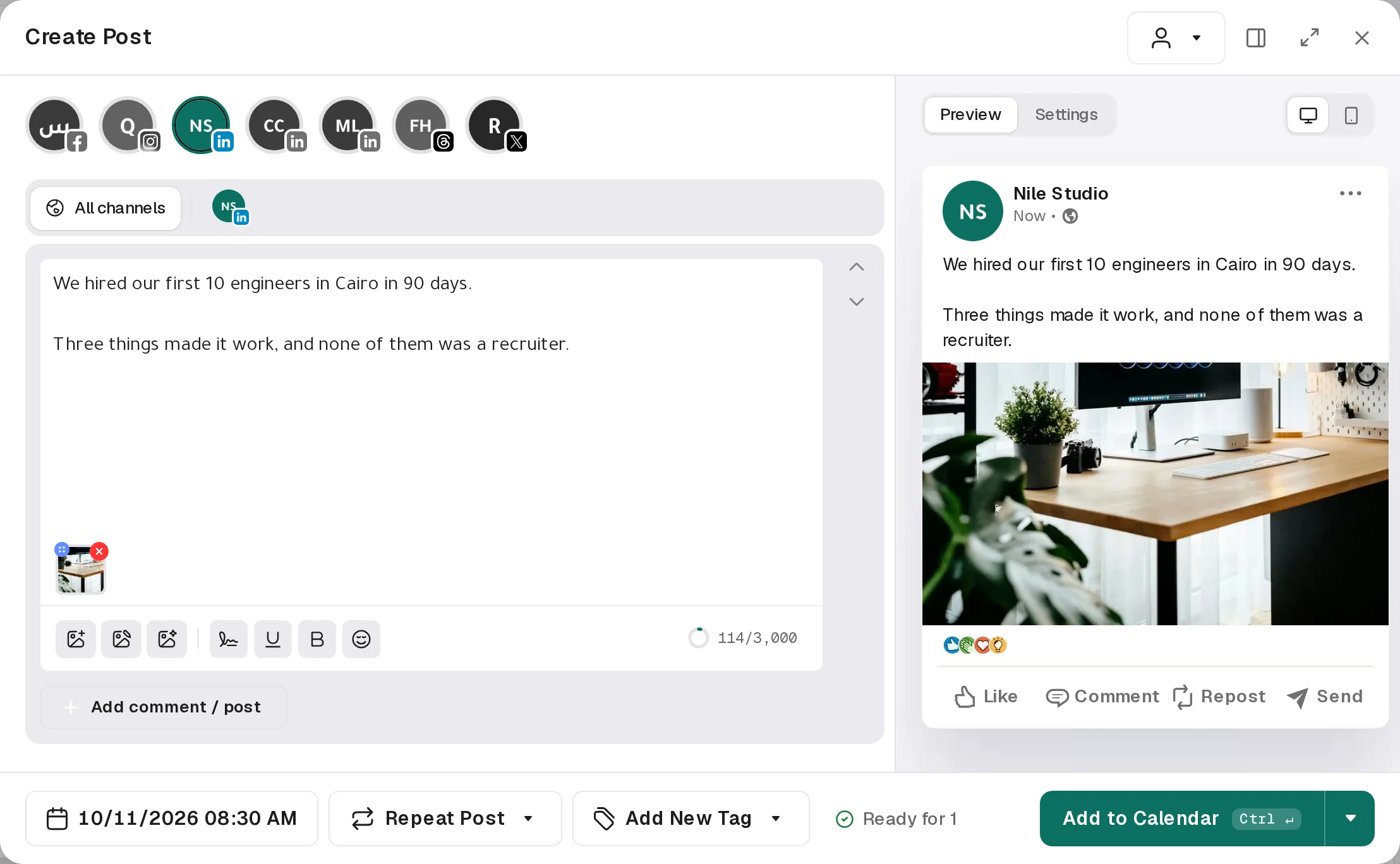
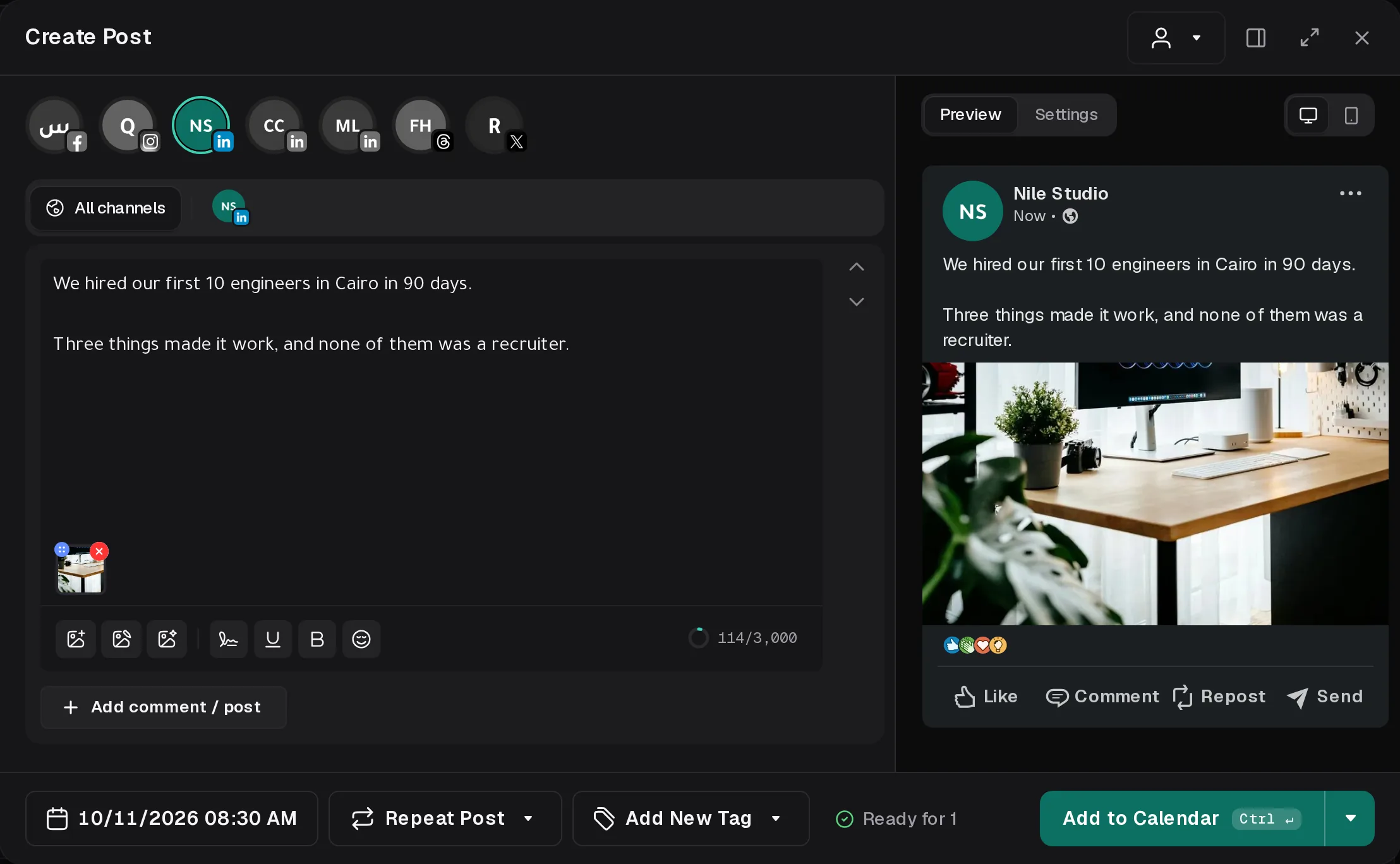
Your LinkedIn post, in the composer
Write once for every channel, then open LinkedIn to give it its own text and media and see the preview.
At a glance
- Characters per post
- 3,000
- Editor
- Plain text
- Follow-up comments
- Yes
What you can schedule
- Text posts
- Single image or several images
- One video
- Images as a swipeable document carousel, with a title
- A first comment, posted right after
Media rules
A video must be the only attachment. A carousel needs two or more pictures and no video.
Why schedule it with Tadween
- The preview LinkedIn will show
See where “…more” cuts your post, how images crop and how the first comment sits under it.
- Links in the first comment
Keep the post clean and put the link in a comment that goes out right after it.
- Arabic that reads right
Right-to-left editing and previews, so punctuation and numbers stay where your readers expect them.
- One calendar
Day, week and month views and a board, with every channel side by side. Drag a post to move it.
- Checked before it goes
Tadween counts characters for each channel and lists anything the network would refuse before the post is due.
- Your team and clients
Invite teammates, keep each client under their own customer and share a preview link for feedback.
- An agent that can post
Ask the Tadween agent, Claude or ChatGPT to draft and schedule it for you.
Questions


Schedule your next LinkedIn post today.
Seven days free. Connect LinkedIn in a couple of clicks and plan your week.